CrushOn AI Download 2026: Free App Setup for Every Device
CrushOn AI is free to download on all platforms. The fastest path varies by device. Here is the quickest working method for each.
Fastest Setup by Device

| Device | Fastest Method | Time |
|---|---|---|
| Android (most regions) | Google Play Store | 2-3 minutes |
| Android (region blocked) | APK from crushon.ai | 5 minutes |
| iPhone (App Store available) | App Store | 2-3 minutes |
| iPhone (App Store unavailable) | Safari web + Add to Home Screen | 2 minutes |
| Computer (any OS) | Open crushon.ai in browser | 1 minute |
Android: Play Store
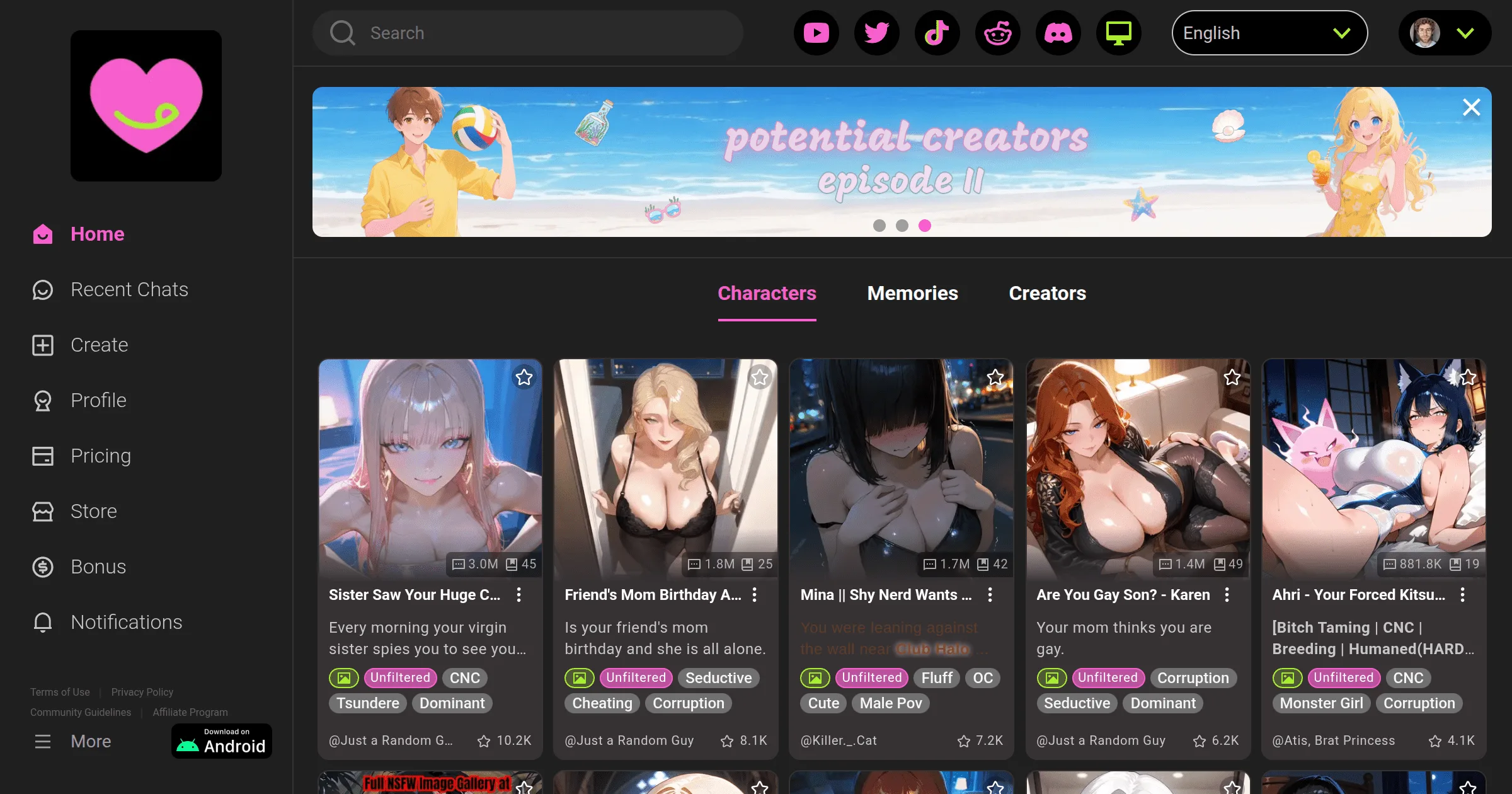
- Open Google Play Store
- Search "CrushOn AI"
- Tap Install
- Open the app after install
- Tap Sign Up → enter email + create password (or use Google login)
- Confirm 18+ age
- Done — free tier starts immediately
Compatible with Android 5.0 and above (virtually all Android phones from 2015 onward).
Play Store not available in your region? Go to the APK method below.
Android: APK Direct Download
For regions where the Play Store version is unavailable:
- Open any browser on your Android phone
- Go to crushon.ai
- Tap "Download for Android" to download the APK (current version 6.5.x)
- Before installing, enable APK installation from your browser:
- Android 8+: Settings → Apps → Special app access → Install unknown apps → [your browser] → Allow
- Android 7 or earlier: Settings → Security → Unknown sources → toggle on
- Open the downloaded APK file and tap Install
- Launch CrushOn AI and sign in
Only download from crushon.ai directly — not third-party APK repositories.
iPhone: App Store
- Open the App Store
- Search "CrushOn AI"
- If available in your region, tap Get to download
- Requires iOS 14 or higher
If it does not appear: Apple's content policies have resulted in removal from some regional App Stores. Use the web method below.
iPhone: Web Version (No App Store Required)
This is what most iPhone users outside supported App Store regions use:
- Open Safari on your iPhone
- Go to crushon.ai
- Log in or sign up — all features are available
- To add a home screen icon: tap the Share button → Add to Home Screen → Add
- Opens in full screen without the Safari address bar
- Behaves like an installed app
The web version has full feature parity with the installed app — same character library, same models, same image generation, same everything. It is not a downgrade.
Computer: Open Your Browser
No download required at all:
- Open Chrome, Firefox, Edge, or Safari
- Go to crushon.ai
- Sign up or log in
- Full access to everything
The web version is the standard desktop experience. There is no Windows, Mac, or Linux app to install.
Account Setup (All Platforms)
After download or browser access:
- Click Sign Up
- Email address + password, or Google login for one-tap setup
- Confirm you are 18 or older
- Verify email if prompted (check spam)
- Free tier activates immediately — 50 messages per day, no payment needed
Frequently Asked Questions
Yes, completely free to download on all platforms. The free tier requires no payment. Subscriptions are optional.
Yes. Open crushon.ai in any browser on any computer. No installation needed. Full features available.
Apple's content policies conflict with CrushOn AI's adult content features, causing removal from some regional App Stores. Use crushon.ai in Safari on your iPhone — it has identical features and works without App Store installation.
Yes, when downloaded from crushon.ai. The official APK is the same application as the Play Store version. Do not download from third-party APK sites.
Android 5.0 or higher. This includes essentially all Android phones from 2015 onward.
Yes. Account creation is required and takes about 2 minutes with just an email address (or Google login). No payment information is needed for the free tier.